

Connect an Access System Using Seam Console
- Log in to Seam Console.
-
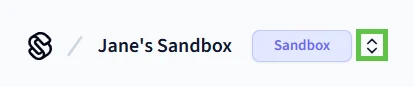
In the upper-left corner, click the workspace switcher and select or create a workspace.
To connect a real access system to Seam, use a production workspace. To use one of Seam’s virtual access systems, use a sandbox workspace.
- In the top navigation pane, click ACS Systems.
- On the Access Systems page, click New Access System. Seam Console displays a Connect Webview that enables you to connect your access system to Seam.
- In the Connect Webview, follow the prompts to authorize the connection. If you want to connect a virtual access system to a sandbox workspace, use the corresponding sandbox access system credentials. To connect a real access system, see the system integration guide for your ACS to learn any brand- or system-specific prerequisites, requirements, and restrictions.